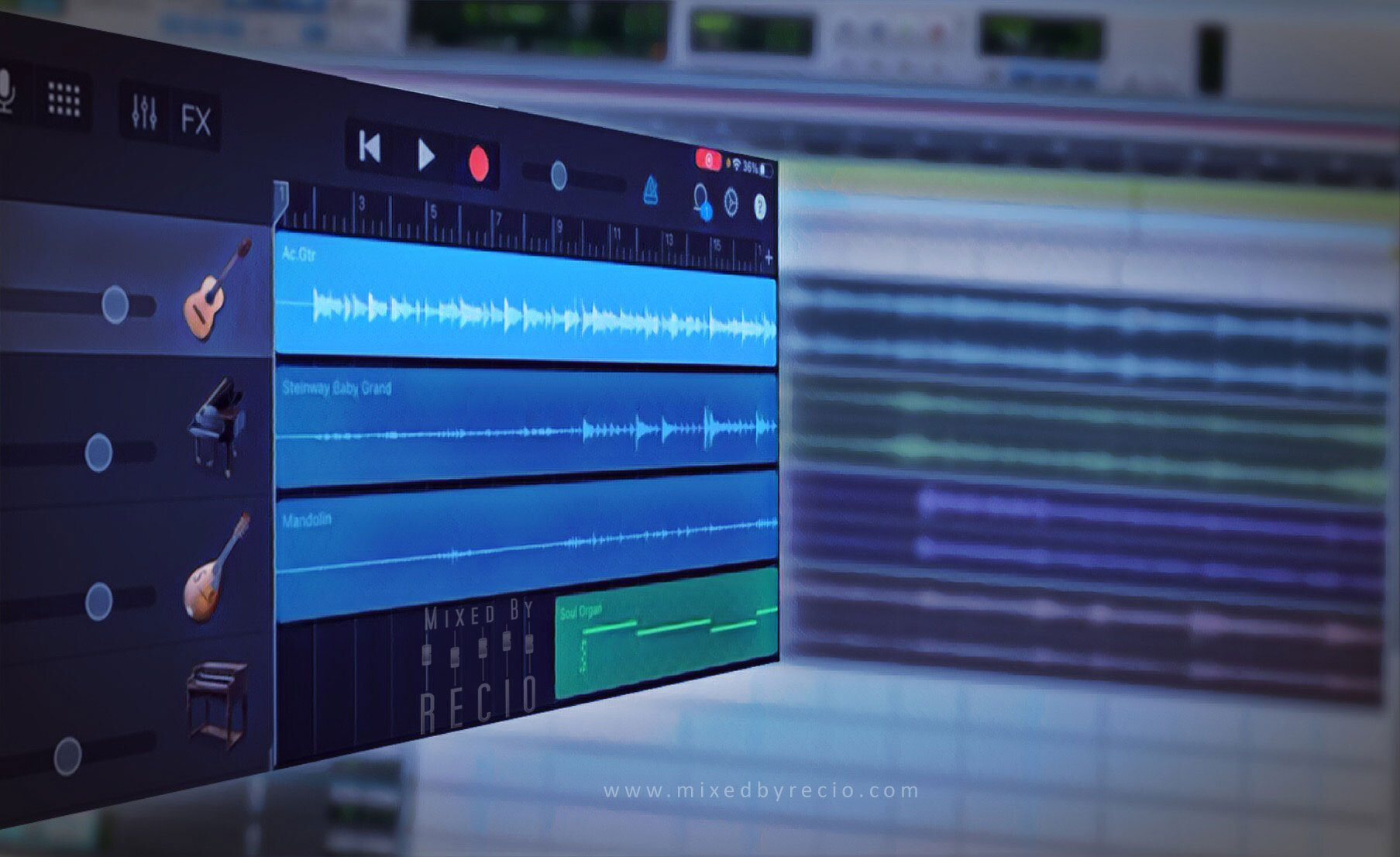
Click image to play video
My previous blog post from 2018 outlines the method I've used to export individual multitrack files from iOS GarageBand. I've recently updated that post (along with its downloadable PDF) for iOS 14.
With many musicians recording themselves at home these days using their iPad or iPhone, I also wanted to create a new video tutorial on YouTube to help more people export their tracks properly for collaboration.
Mobile devices are great for capturing your musical ideas efficiently and, unlike your simple voice memo recorder, mobile apps like GarageBand let you separate individual parts onto their own track for greater flexibility and control in developing your ideas into a full song.
By exporting your multitracks from iOS GarageBand correctly, you can easily share them with your bandmates, producer, or mix engineer for collaboration in getting your original songs finished and released to your audience.
The video walks you through the process of exporting each instrument or part as separate audio files that all share the same starting point and have any added effects removed.
As a bonus, I also demonstrate how and why you should convert your MIDI tracks (virtual instruments) to audio files first when collaborating. Remember that you can still share the original MIDI tracks in addition to the printed audio tracks when necessary.
Do you have any recorded tracks in iOS GarageBand? I'd love to hear what you've been working on. Tell me about your music!
Are you or another musical friend using an Android device? I've created a separate video for achieving similar results with the BandLab app.
Whenever you find anything of value here, please share it on social medial and within your musical circles.
PLEASE SUBSCRIBE
get thoughts on music-making & making music thoughtful
we respect your privacy

I’ve launched a new series of Getting Started videos to support anyone who wants to record their music but may not even know where to begin. Start with what you have before investing more time & money; you can scale your efforts as your musical goals change & budget allows.

I've written an interactive eBook to introduce the basic steps you'll need to complete if you really want to finish your new song, record it, and have it released to your audience.Best thing is, IT'S FREE! No gimmicks. It's simply my gift to you for being a music-maker.

I've posted a short video showing how you can quickly get your phone or tablet set up for recording your voice and instruments onto individual tracks that can then be easily shared and downloaded across multiple platforms. Get started making more music, more often!

While many people already know how to save their finished song as a single stereo file to iTunes, fewer may be familiar with the process of properly exporting multi-track files from iOS GarageBand to collaborate with other musicians, producers, and mix engineers.

While workflows will vary from project to project and personal preferences always play a role, there are some items that are simply required. I've separated these from the "nice to have" items but often times it's several small things that will add up to either keep the project moving forward or to rob it of your time, money, and objectivity.

When inspiration strikes, you need to be able to easily capture your ideas with whatever device you have with you. For more and more people, this is becoming an Android phone.

Be strategic with your purchases to better integrate them into your existing music-making workflows.

Don’t sabotage your best efforts as you make your recording and release it to your audience.

Lessons learned from mastering your songs can also impact every other stage in the music-making process.


Don't miss the opportunity to make the song your own by injecting your personality and distinctive sound.
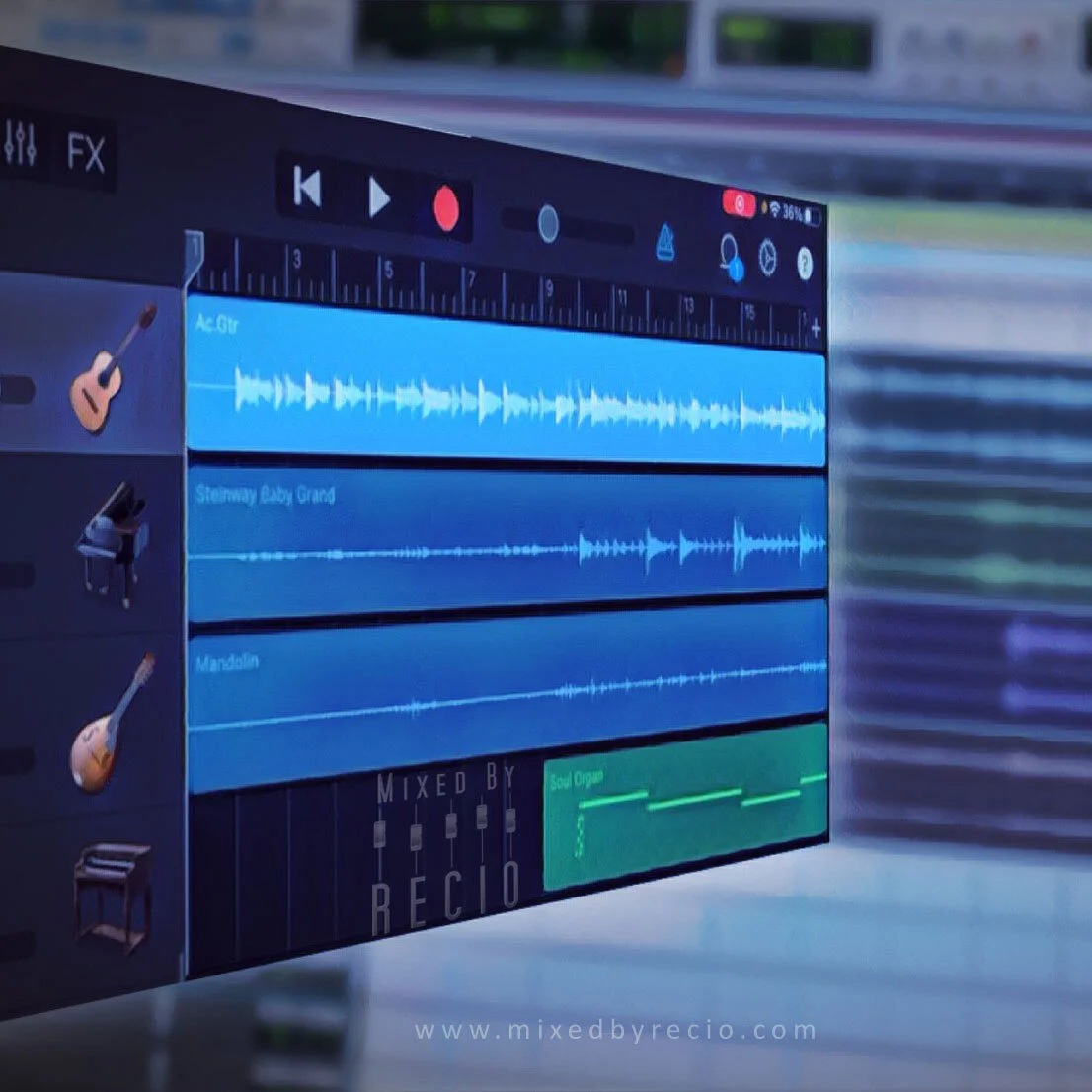
This video shows how to export individual multitrack files from iOS GarageBand and includes steps for converting MIDI tracks to audio.

While it can be difficult to take pride in everything you create, take pride in the fact that you are creating something.

Fix before you mix. Start the mixing phase with the audio you want to be mixed, not fixed.

Use the limitations of your mobile app to focus on capturing one solid performance at a time.

My new YouTube series on Getting Started continues with a short video that establishes the need to use headphones to monitor your audio while recording your music.
I’ve launched a new series of Getting Started videos to support anyone who wants to record their music but may not even know where to begin. Start with what you have before investing more time & money; you can scale your efforts as your musical goals change & budget allows.

With remote collabs, you can quickly have a full production ready for mixing & mastering without having to get dressed or leave your home.

Music is something that is needed more than ever. If we can’t support each other financially, we can support each other creatively to ensure that new music can—and will—still be heard.


Separate the song from the recording of the song to tell us a good story and make us feel something.


You shouldn’t have to wait until the tracking session or live gig to figure out if a song will come together the way you hope it will.

When someone hears your song for the first time, you have one chance to make that first impression. Will they listen until the end? Will they listen at all or press Skip?
More than anything else, your final mix is dependent on the efforts put into the songwriting, the performance, and the recording going into it.

It’s not just about proper credit but collecting potential revenue to fund your art. You know how hard you worked on your song. Take the steps to protect your rights..
This video shows how to export individual multitrack files from iOS GarageBand and includes steps for converting MIDI tracks to audio.